Updated October 2026: criterion names, conformance levels and legal references reviewed against W3C and NZ Government sources.
Since its release in October 2023, WCAG 2.2 has introduced a set of refinements aimed at closing persistent gaps in digital accessibility. The update builds on familiar territory, continuing the push toward more human-centred interaction design, especially on mobile, and especially for users with cognitive or physical limitations.
For digital teams already embedding accessibility into their processes, this isn’t about starting from scratch. It’s about adjusting emphasis, testing with greater intent, and staying attuned to how accessibility standards are evolving.
A Brief Note on WCAG 2.2
The Web Content Accessibility Guidelines (WCAG) are a global standard. Version 2.2 became an official W3C recommendation on 5 October 2023, expanding on the existing WCAG 2.1 framework with nine new success criteria. Six of the nine sit at Level A or AA (two at A, four at AA), the levels most compliance expectations are set at. The other three are AAA. One older criterion, 4.1.1 Parsing, was removed as obsolete.
The four foundational principles of accessibility remain unchanged: content must be Perceivable, Operable, Understandable, and Robust. But the lens through which we interpret those principles continues to sharpen.
What’s Changed and Why it Matters
Many of the 2.2 additions address long-standing friction points for users, especially those navigating by touch, keyboard or assistive technologies. The six new criteria at Level A and AA are:
- Focus Not Obscured (Minimum) (2.4.11, AA): When something on the page receives keyboard focus, it can’t be completely hidden by other content, such as a sticky header, cookie banner or chat widget.
- Dragging Movements (2.5.7, AA): Anything done by dragging, like sliders, reordering lists or moving items on a board, needs a single-pointer alternative such as tapping or clicking, unless dragging is essential.
- Target Size (Minimum) (2.5.8, AA): When was the last time you mistapped on your phone? Touch targets must be at least 24 by 24 CSS pixels, or have enough spacing around them, reducing the risk of mis-taps on mobile devices.
- Consistent Help (3.2.6, A): Help mechanisms (like contact details or live chat) should appear in a predictable place across pages.
- Redundant Entry (3.3.7, A): Users shouldn’t be asked to re-enter previously provided information within the same process, unless re-entry is essential or needed for security.
- Accessible Authentication (Minimum) (3.3.8, AA): Logging in shouldn’t depend on remembering, transcribing or solving something unless there’s help or an alternative. Supporting password managers and copy-and-paste is enough to meet it, and so is offering a login that skips the test altogether (such as an emailed link). Its AAA counterpart, Accessible Authentication (Enhanced) (3.3.9), goes further and removes the object-recognition and personal-content exceptions, so “pick the photos with a bus” style checks no longer pass.
These updates may appear incremental, but they carry real-world weight, especially when applied across platforms at scale. The emphasis isn’t only on code correctness, but on reducing cognitive strain and improving usability across devices and contexts.
Moving Beyond Compliance
The question isn’t just “Are we compliant?”
It’s “Do we know what good accessibility looks like in context?”
Some organisations treat accessibility like a checklist. Others treat it as a baseline expectation: a shared responsibility across product, design, content, and development. That difference comes down to maturity.
At MadeCurious, we ask slightly different questions:
- Are we making the experience intuitively usable, not just technically correct?
- Are we reducing the burden on the user, cognitively, physically and emotionally?
- Are we baking accessibility into our design critiques, dev tickets, and testing rituals?
These questions reveal far more than a pass/fail score ever could.
Where This Applies, and Who’s Affected
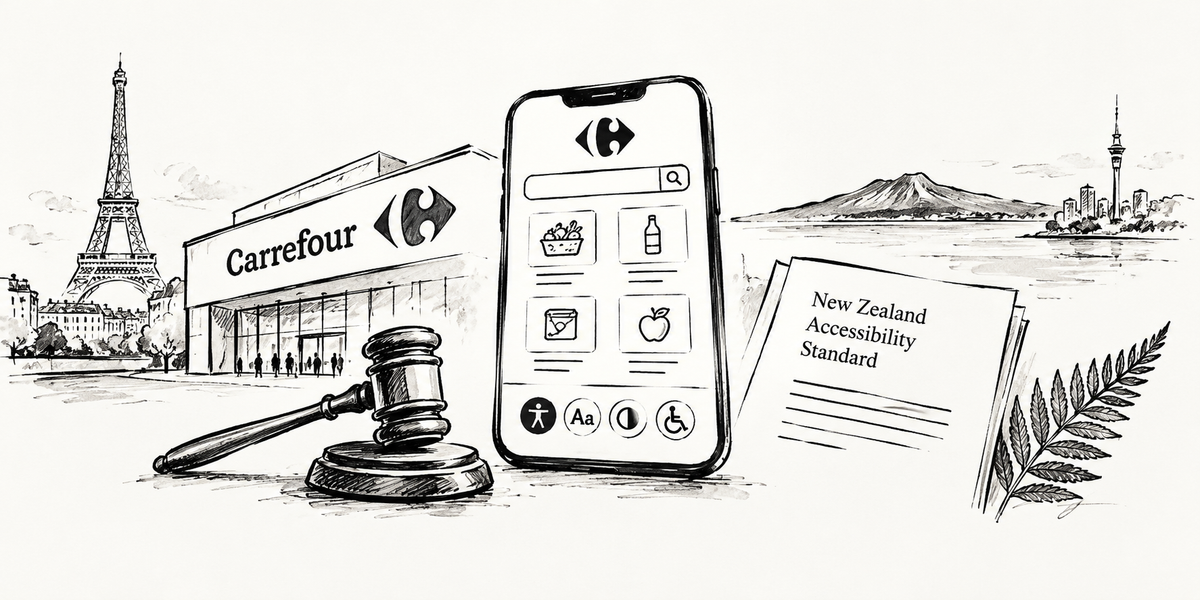
WCAG is referenced in law and policy in many countries, though not always at version 2.2. In New Zealand, the Government Web Accessibility Standard 1.2 has required WCAG 2.2 Level AA since 17 March 2025 for Public Service departments, the Defence Force, Police, the Parliamentary Counsel Office and the Security Intelligence Service. Other public sector and local government organisations are encouraged to meet it.
In the EU, the European Accessibility Act points to the harmonised standard EN 301 549. The version that currently carries legal weight maps to WCAG 2.1 AA; a new version based on WCAG 2.2 was published in September 2026 but has not yet been cited in the EU’s Official Journal.
Even outside of mandates, WCAG 2.2 is fast becoming a baseline for responsible digital practice. Examples include:
- Government and public sector websites
- Health, education and finance platforms
- Large-scale ecommerce and SaaS applications
- Any product serving a diverse user base at scale
Accessibility isn’t about edge cases. It’s about designing for reality, where distractions, impairments (temporary or permanent), and device limitations are everyday concerns.
Preparing for WCAG 2.2 (Without Over-Engineering It)
If you’re already WCAG 2.1 compliant, you’ve done much of the groundwork. WCAG 2.2 simply asks you to raise the bar in a few focused areas.
For designers:
- Review mobile UI patterns: tap targets, spacing, and hierarchy
- Check that sticky headers, banners and overlays don’t hide focused elements
- Offer a tap or click alternative to anything that relies on dragging
- Revisit login flows and help placement
- Reduce cognitive strain in forms
For developers:
- Audit form logic, keyboard navigation, and input memory
- Keep semantic markup consistent as UI evolves
- Test with real assistive tech, not just simulators
For teams:
- Make accessibility part of sprint quality, not just post-launch QA
- Encourage shared literacy across disciplines
- Partner with specialists where needed
WCAG 2.2 is now also an international standard, ISO/IEC 40500:2025, so if your organisation works to ISO frameworks, most of this will already feel familiar.
Looking Ahead: What About WCAG 3.0?
WCAG 3.0 is on the (distant) horizon, but it’s a longer-term shift, and still in draft form. It proposes a broader, more flexible model that could reshape how we test, score and validate accessibility across content types, including non-HTML formats. It aims to be easier to understand and to cater for more needs, particularly those of people with cognitive disabilities. See more on WCAG 3.0 here.
Until then, 2.2 remains the current standard and the most practical target for implementation.
Final Thought
For teams who already take accessibility seriously, WCAG 2.2 won’t be disruptive, but it is worth reflecting on. These updates represent more than technical adjustments. They reflect a growing expectation: that good digital experiences are inclusive by default.
Getting this right isn’t about ticking boxes.
It’s about craftsmanship.